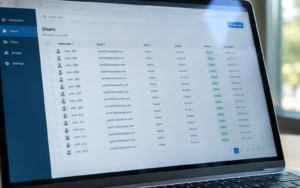
If you have ever tried to disable 300 DHIS2 users at once, assign a new role to an entire country team, or export a clean list of who has access to what, you already know the problem. The official DHIS2 user management interface was not built for this. The User Extended App was.
Managing users in DHIS2 is straightforward when an instance has a handful of people. It becomes a serious operational burden the moment an organisation reaches the scale where individual clicks no longer make sense, where programme teams need bulk changes done overnight, where a single misconfiguration can affect dozens of users across multiple country offices. At that scale, the native DHIS2 interface creates real drag: repetitive, manual, time-consuming work for system administrators who have better things to do.
The User Extended App, part of EyeSeeTea’s DHIS2 Suite, was built to eliminate that drag. It is free, open source, available on the DHIS2 App Hub, and has been in production use at some of the largest DHIS2 deployments in the world.
What it does
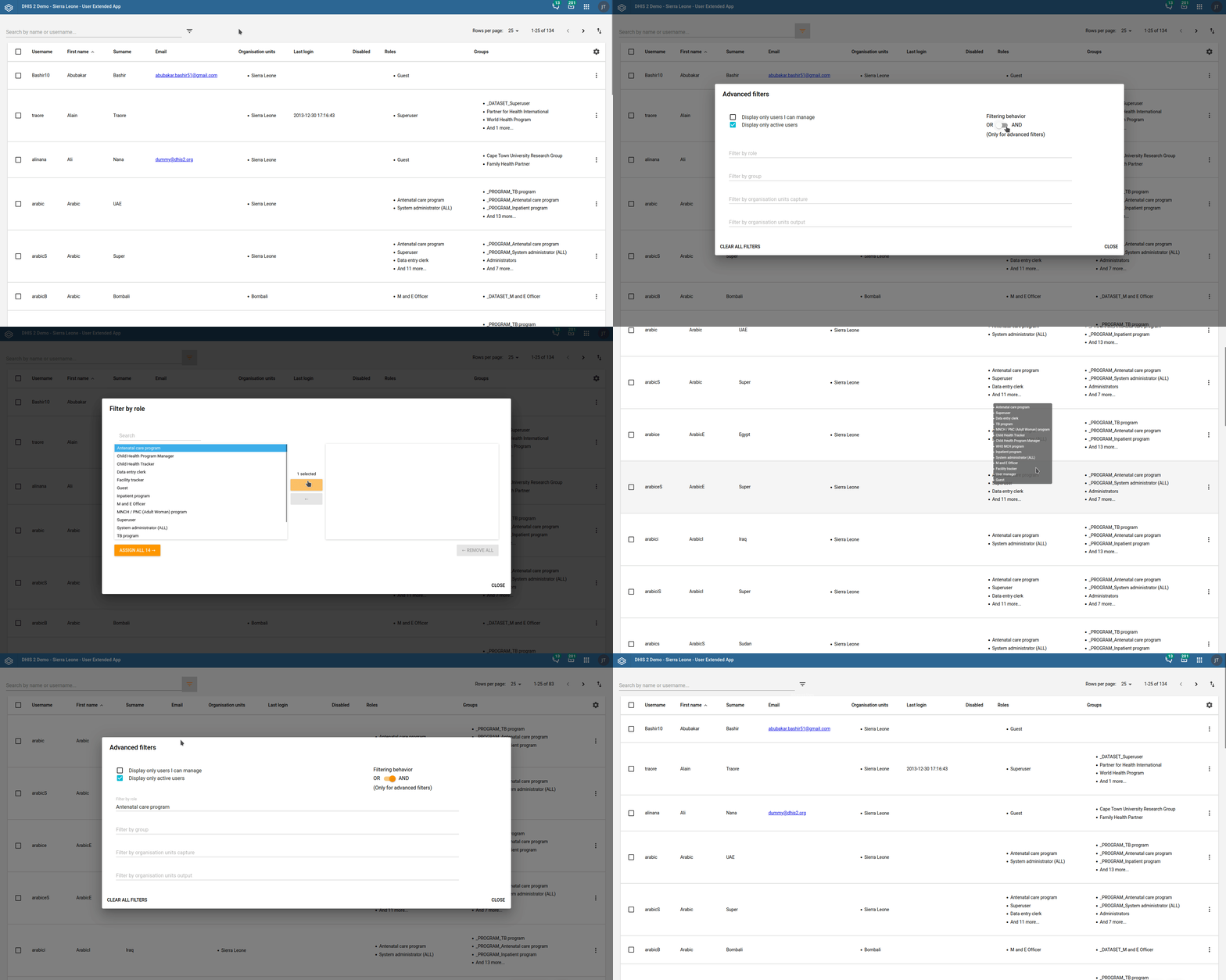
The app extends DHIS2’s native user management with three categories of operations that the standard interface makes difficult or impossible at scale.
Single actions allow administrators to edit user properties precisely, copy properties from one user to another, or replicate a user multiple times with controlled modifications, useful for onboarding cohorts of field staff who need similar but not identical configurations.
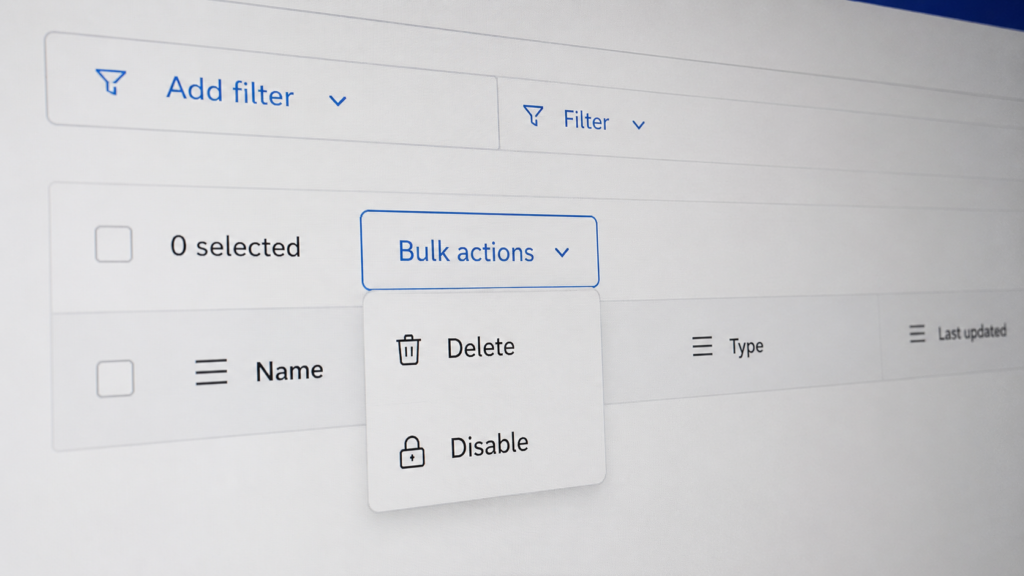
Bulk actions are the core of what makes the app indispensable at scale: delete, enable or disable, and edit user properties across large groups simultaneously, either replacing existing values or merging with what users already have.
CSV import and export connects user management to spreadsheets, allowing administrators to prepare changes in Excel or Google Sheets and apply them in one operation, or to pull a clean, structured export of users, roles, groups and last login dates for auditing and reporting.
The app was a finalist at the 2022 DHIS2 App Competition, and has been proven useful across a wide range of deployment contexts, from country-level Ministries of Health to multi-instance global platforms.
How four organisations helped build it
The User Extended App exists because organisations with real, large-scale problems were willing to fund a solution they would then share with everyone else. That is the model behind much of EyeSeeTea’s open source suite.
The Norwegian Refugee Council (NRC) came first. NRC uses DHIS2 across its operations in more than 30 countries, as we described in our dataset configuration work with them. Their extensive use of the platform brought them up against the limits of native user management, and they funded the original version of what is now the User Extended App to solve it.
The World Health Organisation joined next. WHO’s Integrated Data Platform (WIDP) runs more than five parallel DHIS2 instances covering different programmes and departments. EyeSeeTea has been providing hosting and maintenance for WIDP since 2018, and WHO backed specific new features in the User Extended App as part of that broader engagement.
Samaritan’s Purse and Médecins Sans Frontières (MSF) have since also contributed to the app’s development, each bringing operational requirements from their own large-scale DHIS2 implementations.
The result is an app shaped by the actual needs of four major organisations, refined over years of production use, and available to any DHIS2 instance in the world at no cost.
How it stays free
The short answer is: our partners make it possible. When organisations fund custom DHIS2 development with EyeSeeTea, they actively choose to open the resulting code so the broader community benefits. That is a deliberate decision on their part, and one we deeply respect. Open source is part of how we think about our work, not an afterthought, and this app is one of the clearest examples of what that looks like in practice.
Where it is going
The public roadmap on GitHub shows what is planned. Community requests are always considered, and funded development moves faster. If your organisation has a specific need, get in touch.
Get started
- Download from the DHIS2 App Hub
- Documentation and developer guide
- GitHub repository
- Full EyeSeeTea DHIS2 Suite
Questions or feedback? Post them on the DHIS2 Community mentioning @EyeSeeTea, or send us an email. And if the app has saved your team time, you can support the work via GitHub Sponsors.